
Disable Windows Messenger At Windows Start-Up
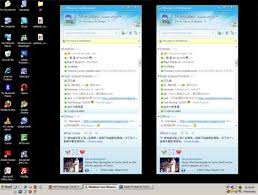
If you don't want MSN Messenger to start at startup simply logon to your account and
go to tools --> options to disable it. If you don't have an account, as it won't let you change the options without first logging on to an account. Click on the Start-->Run and type in regedit, then go to, HKEY_CURRENT_USER\Software\Microsoft\Windows\Currentversion\Run Delete the key that says, MSMSGS - REG_SZ - "C:\Program Files\Messenger\msmsgs.exe" /background

If you don't want MSN Messenger to start at startup simply logon to your account and
go to tools --> options to disable it. If you don't have an account, as it won't let you change the options without first logging on to an account. Click on the Start-->Run and type in regedit, then go to, HKEY_CURRENT_USER\Software\Microsoft\Windows\Currentversion\Run Delete the key that says, MSMSGS - REG_SZ - "C:\Program Files\Messenger\msmsgs.exe" /background

